Digital native · 2014–present · Western Europe
Retro Desktop-OS Interface Revival
Also known as Web desktop, Windows 9x parody UI, 98.css-style interfaces, Retro OS aesthetic
A deliberate revival of the 1990s Windows desktop as a web interface, part homage and part parody: grey bevelled chrome, blue title bars, draggable icons and start menus rebuilt in HTML to host jokes, music and tiny apps. Unlike the real early web, it is a staged imitation of one operating-system look.
Make something in this style Get advice in this style Mix it with another style
01
Make something in this style
Say what you need, and Stylogeny’s image studio draws it from Retro Desktop-OS Interface Revival’s design choices and checks it against them. It takes about a minute, and you get a link to share.
02
How it works
Palette
-
#c0c0c0 -
#000080 -
#008080 -
#ffffff -
#808080 -
#000000
Typefaces
-
MS Sans Serif
-
Tahoma
-
Fixedsys
-
Lucida Console
- Frame every piece of content in a draggable window with a title bar and close, minimise and maximise buttons.
- Build controls from flat grey fields with light and dark bevel edges; allow a gradient only in the title bar, and no soft shadows.
- Set interface text in small bitmap-style system sans or fixed-width fonts.
- Anchor the screen with a desktop of labelled icons and a taskbar with a start menu.
- Fill the system with working miniature apps and in-jokes, such as terminals, MIDI players and fake Notepads, played deadpan.
Windows 93, a website built as a Windows 9x parody operating system by two French musician-programmers, jankenpopp and Zombectro; Version 1 finished in late 2014
Change it with an idea. Any of the 73 moves that make a design say something can go on this style.
03
Its design choices
From Stylogeny’s vocabulary of design choices: defining choices make the style, characteristic ones are usual, occasional ones turn up now and then.
- Layout & composition
- Space & hierarchy
- Typography
- Colour
- Form & shape
- Surface & texture
- Imagery
- Medium & production
- Tone & intent
- Avoids
- Gradients, Gloss & highlights, Frosted glass, Rounded & pill, Cards & bento tiles, Abundant decoration, Luxurious & glamorous, Generous white space
How its pictures are made Systematic
Kind of picture: Systematic
Known for
-
Windows 93
Version 1, late 2014; Version 2, 10 June 2017; Version 3 public beta, 14 February 2023
-
Windows 93 apps
Terminal, 93 Realms text RPG, MIDI Jukebox, Piskel pixel editor; TextEdit imitating Notepad (Version 3)
-
98.css by jdan, an MIT-licensed CSS library for faithful Windows 98 recreations
-
7.css, an MIT-licensed CSS framework that extends the same approach to Windows 7 components
04
Where it comes from, and what it’s close to
Grew out of

Retro Desktop-OS Interface Revival 2014–present
No later style in the atlas grew out of it yet.
Alike in its design choices
05
Combine it with
Styles Retro Desktop-OS Interface Revival pairs well with or plays against, from the research. Each is worked out as a combination: which style gives the type, the colours and the forms.
- Flat Design Contrasts · Its modern opposite: borderless, bevel-free tiles; borrow one bevel to give a flat interface a retro joke.
- Vaporwave Pairs well · Drop the Windows chrome into a pastel statue-and-palm collage to use it as one motif among many.
- Internet Ugly & Meme Vernacular Pairs well · Add meme images and deliberately crude jokes inside the windows for a communal, ironic feel.
- Frutiger Aero Contrasts · Glossy glass and gradients against grey matte bevels; contrasting two eras of the desktop.
- Bitmap & Pixel Graphics Pairs well · Use pixel icons and bitmap lettering so the chrome and its contents share one grid.
- iOS Core / Contemporary OS-Interface Graphics Contrasts · Keep contemporary folder and photo-window promotion distinct from a working nostalgic Windows desktop; borrow a retro control only as an explicit quotation.
06
Often taken for
Retro Desktop-OS Interface Revival has no real works recorded yet, so these are its nearest styles by its choices alone, with the choices that tell them apart.
-
iOS Core / Contemporary OS-Interface Graphics
iOS Core / Contemporary OS-Interface Graphics is one of Retro Desktop-OS Interface Revival’s nearest styles by choices; no real work of either fits the other better.
Choices that tell Retro Desktop-OS Interface Revival and iOS Core apart Choice Retro Desktop-OS Interface Revival iOS Core Flat hierarchy defining — Gradients avoids characteristic Bitmap & pixel defining occasional Rounded & pill avoids characteristic Limited spot colours characteristic — No shared descent in the atlas: they reached these choices separately.
-
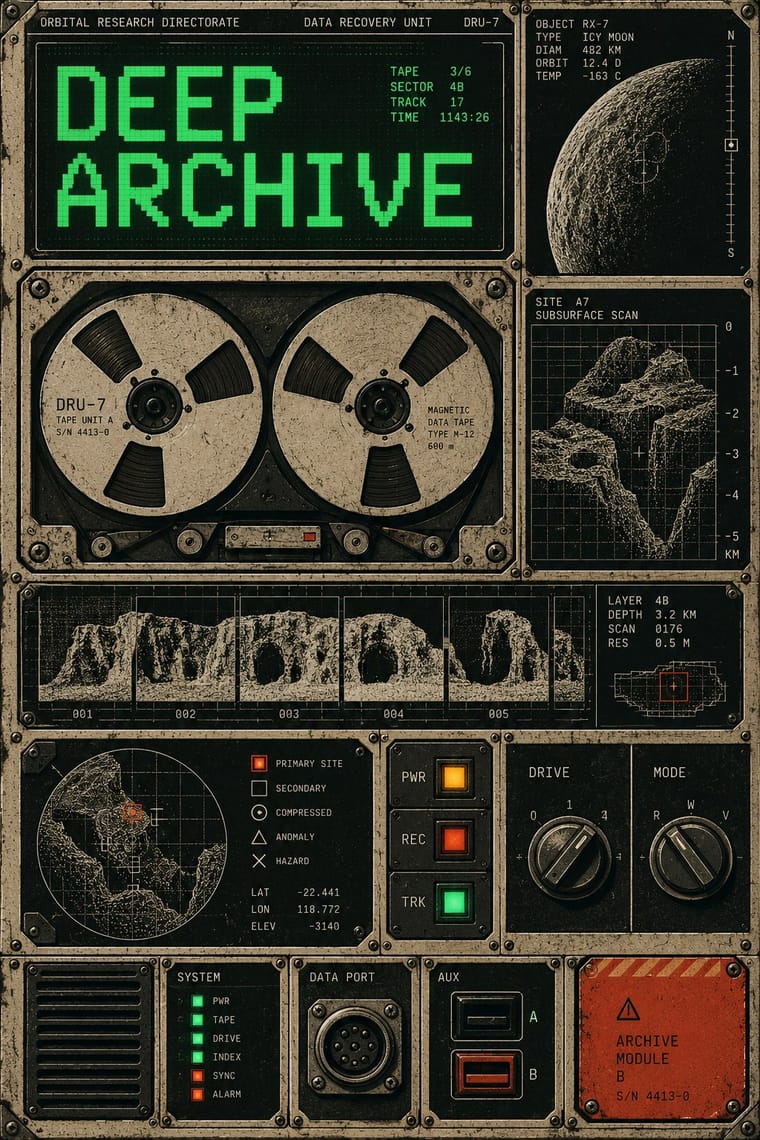
Cassette Futurism
Cassette Futurism is one of Retro Desktop-OS Interface Revival’s nearest styles by choices; no real work of either fits the other better.
Choices that tell Retro Desktop-OS Interface Revival and Cassette Futurism apart Choice Retro Desktop-OS Interface Revival Cassette Futurism Flat fields defining occasional Diagram & data — defining Flat hierarchy defining occasional Grain & noise — defining Bitmap & pixel defining occasional No shared descent in the atlas: they reached these choices separately.
-
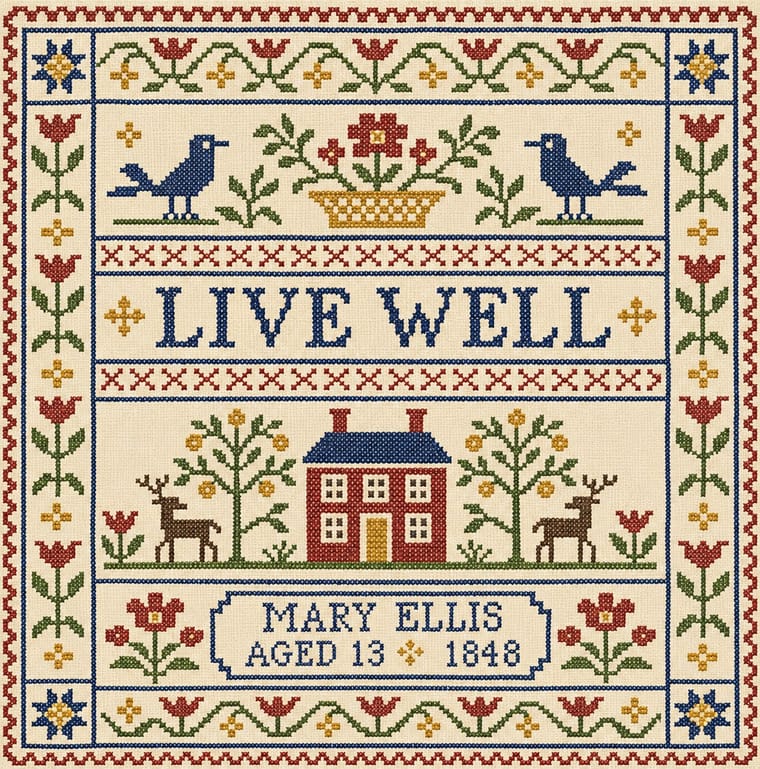
Needlework Sampler Lettering
Needlework Sampler Lettering is one of Retro Desktop-OS Interface Revival’s nearest styles by choices; no real work of either fits the other better.
Choices that tell Retro Desktop-OS Interface Revival and Needlework Sampler Lettering apart Choice Retro Desktop-OS Interface Revival Needlework Sampler Lettering Grotesque & neo-grotesque characteristic avoids Repetition & rhythm — defining Bitmap & pixel defining — Hand-lettering — defining Icons & pictograms defining occasional No shared descent in the atlas: they reached these choices separately.
-
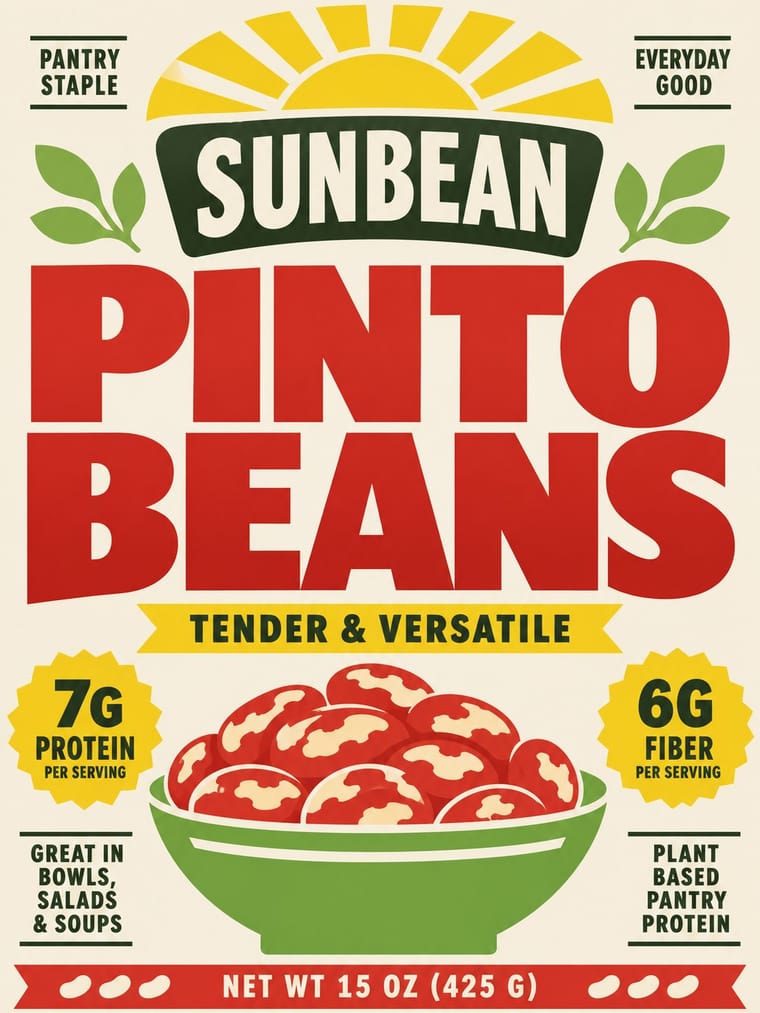
Retro Grocery Packaging Revival
Retro Grocery Packaging Revival is one of Retro Desktop-OS Interface Revival’s nearest styles by choices; no real work of either fits the other better.
Choices that tell Retro Desktop-OS Interface Revival and Retro Grocery Packaging Revival apart Choice Retro Desktop-OS Interface Revival Retro Grocery Packaging Revival Icons & pictograms defining — Extreme scale contrast — defining Flat hierarchy defining — Stylised figuration — characteristic Bitmap & pixel defining — No shared descent in the atlas: they reached these choices separately.
— means the choice isn’t among the style’s recorded choices. Critics recorded each work’s choices with the styles’ descriptions in view, so this shows whether the descriptions hold together, not proof that they are right.
07
Sources
- https://en.wikipedia.org/wiki/Windows_93
- https://jdan.github.io/98.css/
- https://khang-nd.github.io/7.css/
How Stylogeny researches and checks a style: where the facts come from.