Style combination · Contrasts
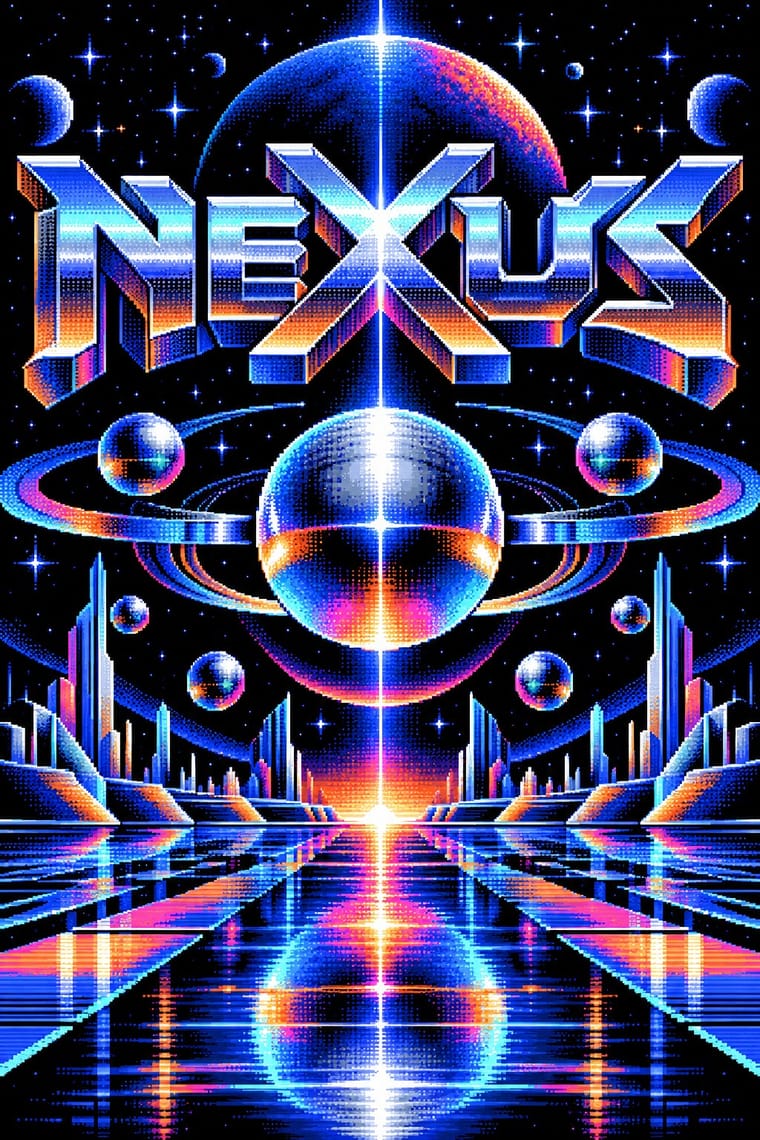
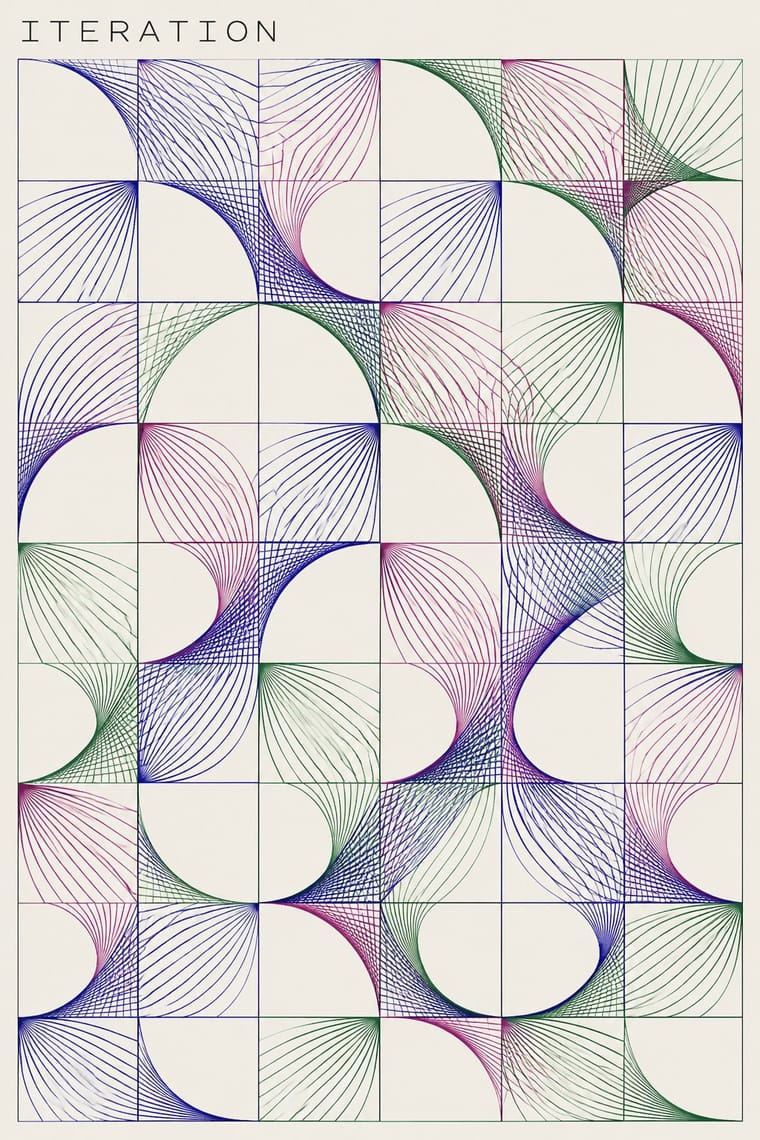
Demoscene Graphics × Early Computer Art
Use a quiet, light-ground sheet with restrained annotations instead of a dark animated stage dominated by a shaded group logo.
Mix them and make something Demoscene Graphics Early Computer Art
01
What each style brings
Each part of the design comes from the style with the stronger say in it, and each style gives at least two.
Demoscene Graphics (Cracktros, Demos & Text-Mode Art) Early Computer Art & Plotter Graphics
- Type from Demoscene Graphics
-
Early Computer Art avoids ornamented display: this is where the two pull against each other, which is the point of the contrast.
- Colour from Demoscene Graphics
- Form from Early Computer Art
- Composition from Early Computer Art
- Surface from Demoscene Graphics
-
Early Computer Art avoids chrome & 3d render: this is where the two pull against each other, which is the point of the contrast.
02
The type
Open fonts standing in for each style’s own type, which is often hand-drawn or commercial.
Display · Demoscene Graphics
Future
VT323, standing in for The IBM PC code page 437 character set in the VGA 9×16 text-mode font, whose block, shade and box-drawing glyphs build ANSI art and the ASCII logos of NFO release files
Text · Early Computer Art
An early computational print idiom that turns explicit procedures and bounded chance into visible marks on paper. Fine paths or coloured modules, repeated units, omissions and changes of density make the rule and its variations readable. Plotter drawings circulated alongside screenprinted and offset versions; this entry centres that paper-based abstraction, not all computer art, pixel imagery or later variable branding.
Inter; Early Computer Art used Small technical work identifiers and captions subordinate to the image and Handwritten artist signatures and edition numerals in the sheet margin
03
The colours
The ground and leading colours come from Demoscene Graphics, with a counter-accent from Early Computer Art. The ink reads on the ground at 4.5:1 or more.
Demoscene Graphics (Cracktros, Demos & Text-Mode Art) Early Computer Art & Plotter Graphics
-
#000000ground · 36% -
#e8f0ffink · 14% -
#ff7a1aaccent · 18% -
#28249aaccent · 14% -
#ff3fa4accent · 10% -
#b24b88accent · 8%
As CSS
:root {
  --ground: #000000;
  --ink: #e8f0ff;
  --accent-1: #ff7a1a;
  --accent-2: #28249a;
  --accent-3: #ff3fa4;
  --accent-4: #b24b88;
  --font-display: "VT323", monospace;
  --font-text: "Inter", sans-serif;
}
Use it with care
Demoscene Graphics (Cracktros, Demos & Text-Mode Art): The demoscene is a living, non-commercial community whose practice is on the national inventories of intangible heritage of Finland (2020), Germany and Poland (2021), Switzerland and the Netherlands (2023), Sweden and France (2025) and Norway (2026), and its pictures are signed work: party rules throw out ripped entries, ban AI-generated or AI-inspired graphics and ask for working stages as proof of hand work. Never copy a group's logo or an artist's pixels, do not pass a generated chrome-logo-and-copper-bar pastiche off as scene work, and credit or commission scene graphicians when a project borrows the look; the crack-intro roots lie in software piracy, which the scene has long distanced itself from, so do not borrow real cracking-group names for new work or glamourise warez. Keep flashing raster and strobe effects to three flashes or fewer per second when the look moves into interfaces, broadcast or public screens.
04
The two styles
05
More combinations
With Demoscene Graphics
- Kinetic Typography & Variable Type Pairs well · The sine scroller is an early kinetic type system; set greetings or credits as a waving bitmap scroller over raster bars for event openers and title sequences.
- Rave & Acid House Graphics Pairs well · Rave flyers and scene logos share chrome lettering on black and the same 1990s tracker-and-techno culture; animate a flyer's line-up as a demo-style scroller for party visuals.
- Bitmap & Pixel Graphics Contrasts · Bitmap graphics is the legible, flat pixel of icons, sprites and system fonts; scene graphics spend the same pixels on chrome, gradients and motion for show. Pick the icon grid for an interface and the scene logo for a title screen.
- Glitch Art & Datamosh Graphics Contrasts · Glitch art lets the machine fail and keeps the damage; the demoscene makes it do the impossible without a dropped frame. Decide whether a piece about technology should show breakdown or mastery.
- Generative & Dynamic Identities Pairs well · Both make the picture from code; borrow the scene's size-coding and real-time plasma, tunnel and particle effects to drive a dynamic identity live instead of from rendered video.
- Synthwave / Outrun Contrasts · Synthwave paints chrome logos and neon grids as 1980s nostalgia; scene graphics are the working practice that never stopped. For credibility with a technical audience, build the effect in code rather than painting its look.
- Analog Horror Graphics Contrasts · Both put bitmap type on black screens, but the demoscene shows a machine running flawlessly at its limit and analog horror shows one failing. Pick mastery or breakdown.
- PS1 / Lo-Fi 3D Revival (PSX Aesthetic) Contrasts · The demoscene shows a machine performing flawlessly at its limit in chrome and gradients; the PSX revival fakes old hardware's flaws on a modern engine and keeps them murky. Pick mastery or imitation of limits.
With Early Computer Art
- Op Art Graphics Pairs well · Borrow progressive line spacing for a local optical effect, but retain omissions and irregularities so the computational drawing is not reduced to an illusion.
- Generative & Dynamic Identities Pairs well · Adapt a bounded drawing procedure into an identity's variable image layer while keeping its wordmark fixed; the historical paper print is not itself a responsive logo.
- Bitmap & Pixel Graphics Contrasts · Choose continuous, fine plotted paths for an open paper drawing or coarse pixel cells for a screen pictogram; do not simulate the former by merely adding an 8-bit font.